Where can I find my courses 2.0?
1. 1. Sign up for Trainer Central
- Access to the homepage of Katharina Kaesbach - via the URLtc.prana-yami.com
- After thatPlease click onSign inorSign upOption from the menu
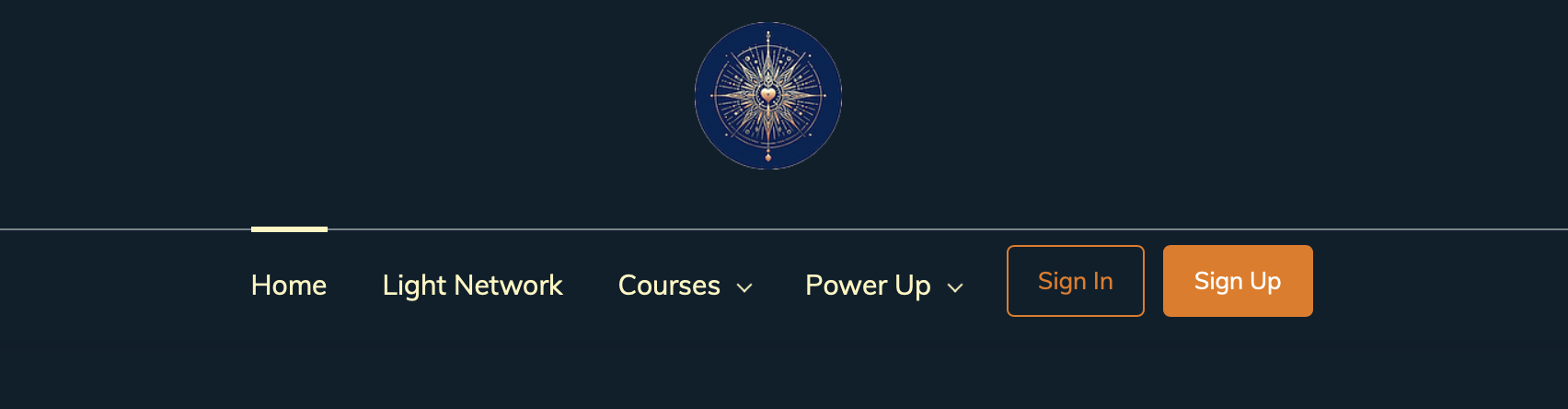
- If you do not have an account yet clickSign upand created an account.
- If you already have an accountSign inand log in.
2. 2. Access my space
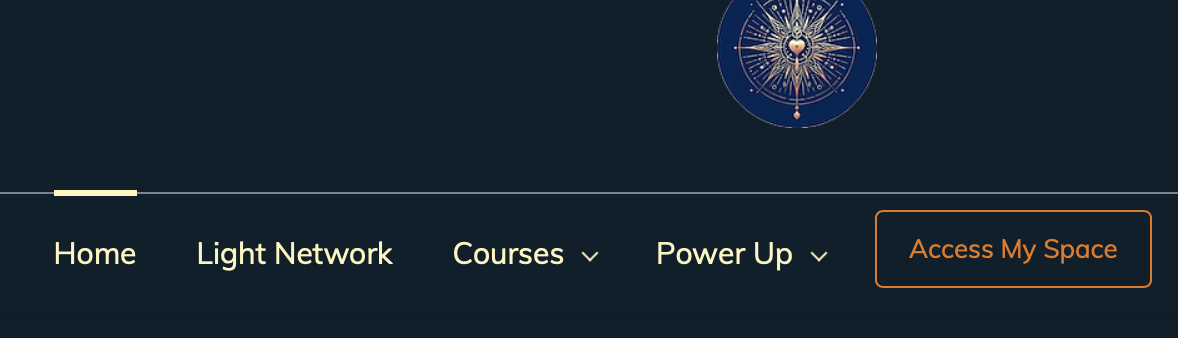
After login you will be redirected to a new page.On this new page you can search all available courses and power-ups.
For access to the courses you purchased, you can click "Access My Space" in the menu above
Related Articles
Where can I find my courses?
1. 1. Sign up with Trainer Central Access to the homepage of 'Katharina Kaesbach - Heart Life Empowered' via the URLhttps://heart-life-empowered.com/. . ThenPlease click on 'Register now' Option in the menu Next you will get to the login page. (If ...
I did not receive the course emails!
Prerequisite that you receive the course emails at all is that you followed the invitation link and clicked! If you have not received one or more course emails, please do the following: Make sure our email addresssupport@heart-life-empowered.comis ...
Mobile app for Anastasia courses
For watching and participating on mobile there is a wonderful app (although it also works in the browser, besides attending the monthly meetings). Here are the links to download the app from the Apple Store and Google Play Store. TrainerCentral Apple ...
How do I get an overview of my courses?
For the browser: 1.Log in to Anastasia courses:My courses 2. You can either go to the search box and enter the course you are looking for, e.g. light... 3. Or you click on category, then it opens. Here you can sort by name For mobile: 1. Open your ...
How do I change the language in TrainerCentral?
Only possible for mobile phone: 1. Open your TrainerCentral app on mobile (shouldn't you have downloaded this app yet here a detailed instructions:Mobile app for Anastasia courses 2. go below in the bar on "More" 3. Click on the globe where ...